Explore Lifted Gaming

BEST MIC FOR DISCORD

Best mic for Discord: clear voice-chat options without a streamer setup.

If you are searching for a mic for Discord, focus on clear speech, sensible positioning and a setup you will actually use. These picks include two simple USB microphones plus two headset alternatives for people who do not need a separate desk mic.By Lifted Spirits · Updated 1 September 2026
Quick answer

Best straightforward USB mic: HyperX SoloCast. Best compact USB mic for a small desk: Razer Seiren V3 Mini. Need headphones too? SteelSeries Arctis Nova 1 keeps both jobs in one device. Cheapest headset route here: Razer BlackShark V2 X. If your current headset mic is already clear, buy nothing.

THE POINT IS THE CONVERSATION

Find people worth joining voice for.

Lifted Gaming helps adults find players, join sessions and move into voice chat when they are comfortable. Better gear only matters if it makes that easier.
✓Find players✓Join sessions✓Use voice when ready✓Build gaming friendships
Explore Lifted Gaming
As an Amazon Associate I earn from qualifying purchases. Recommendations are selected for fit and usefulness, not commission.

QUICK COMPARISON

Pick by what you need, not by what costs the most.

01Best value micSimple USB microphone for everyday DiscordBest value02Best compact micSmaller-footprint USB microphone03Best all-in-oneHeadset and mic in one device04Budget headset routeLow-cost headset with built-in micBudget
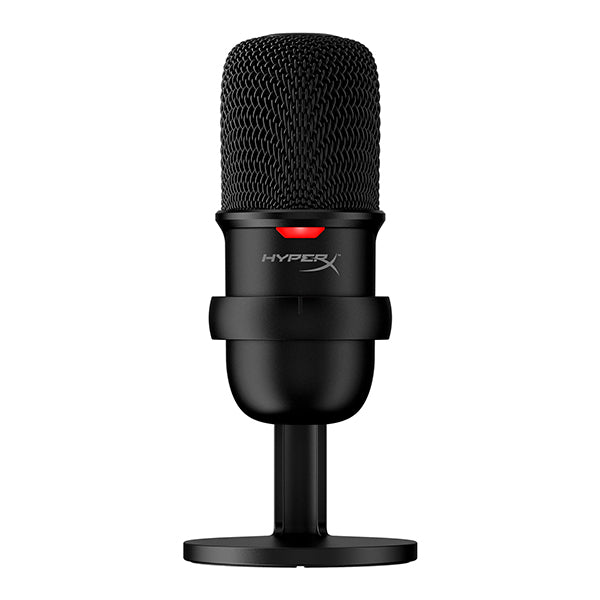
HyperX SoloCast USB microphone
Best value micBest value

HyperX SoloCast USB Microphone

Best if you want clearer voice with the least fuss.

A straightforward plug-in microphone for people who already like their headphones and mainly want to improve how they sound in voice chat.

Skip this if: your headset mic already sounds fine or you do not want another item on the desk.

✓Discord voice chat✓Simple USB setup✓Desk gaming
See product on Amazon
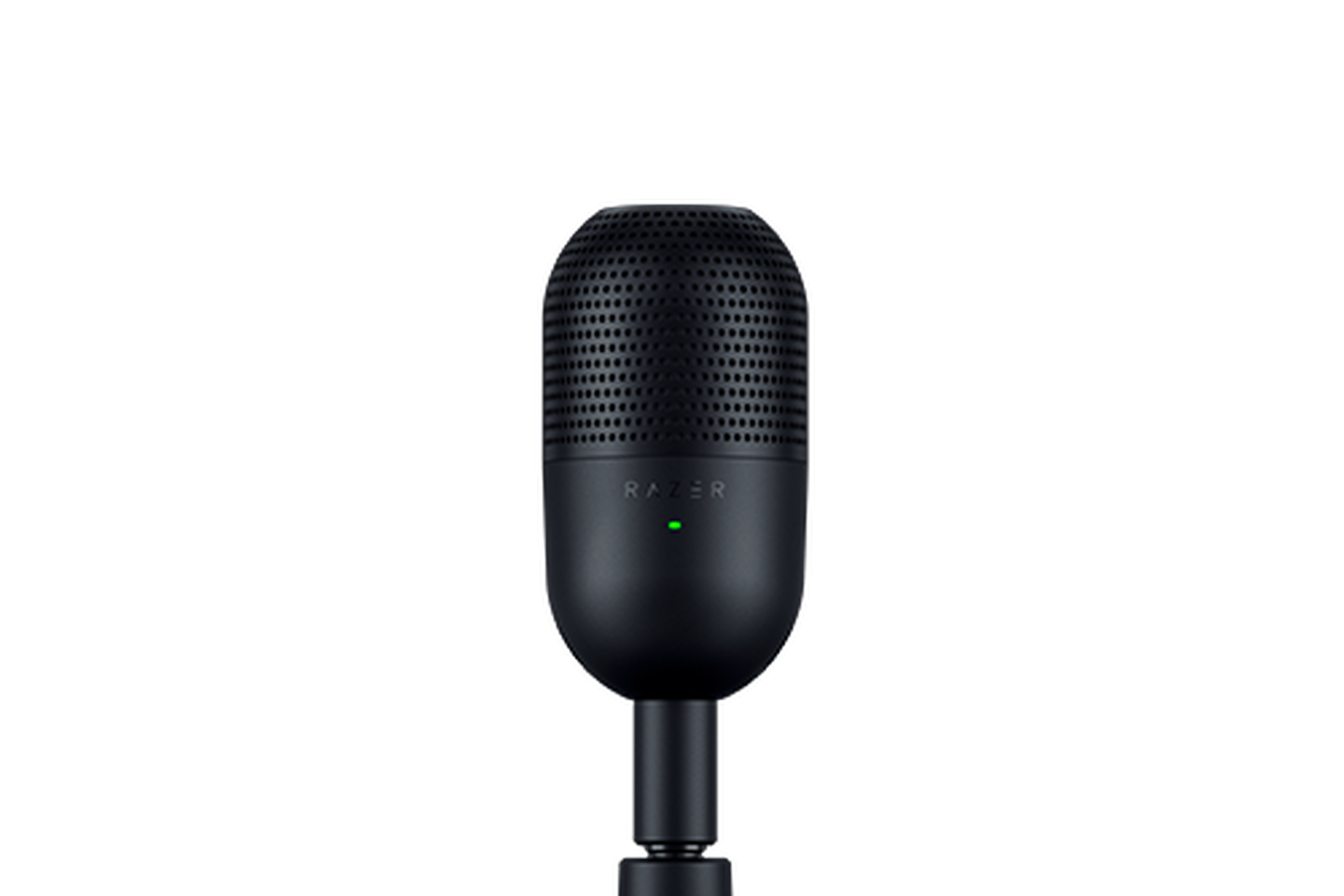
Razer Seiren V3 Mini USB microphone
Best compact mic

Razer Seiren V3 Mini

Best if you want a standalone mic without giving up much desk space.

A compact option for tighter desks and cleaner setups where a larger microphone arm would feel excessive.

Skip this if: you want a more adjustable studio-style setup or already own a good standalone microphone.

✓Small desks✓Minimal setups✓Voice chat
See product on Amazon
SteelSeries Arctis Nova 1 gaming headset
Best all-in-one

SteelSeries Arctis Nova 1

Best if you would rather avoid a separate microphone entirely.

A wired headset alternative for anyone who wants one cable, one device and enough microphone quality for social gaming without building around separate audio gear.

Skip this if: you already have headphones you love and only the microphone needs upgrading.

✓One-device setups✓Multiplayer✓Less desk clutter
See product on Amazon
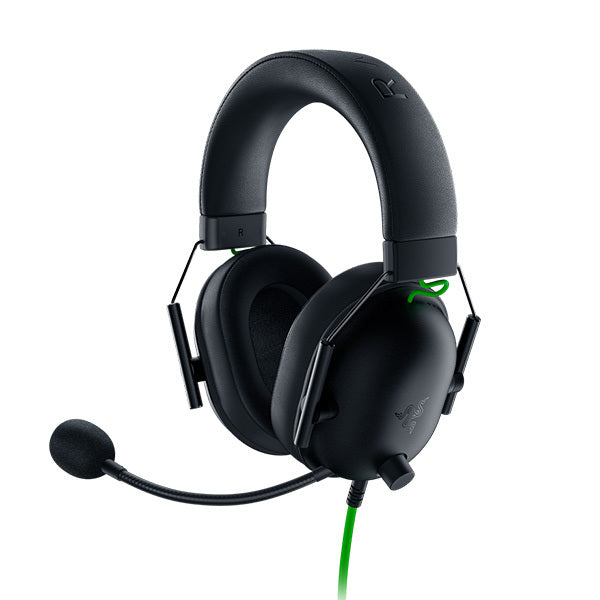
Razer BlackShark V2 X gaming headset
Budget headset routeBudget

Razer BlackShark V2 X

Best if spending as little as possible matters more than having a separate mic.

The cheaper route into usable Discord voice if you need both headphones and a microphone at once.

Skip this if: you already own good headphones or want cleaner standalone microphone quality.

✓Budget setups✓First headset✓Discord beginners
See product on Amazon

BEFORE YOU CHOOSE

How we chose these Discord microphone picks

These are use-case recommendations based on documented features, setup simplicity, desk space and whether you already own headphones. They are not presented as hands-on laboratory testing. The right pick depends on whether you need a clearer mic, a smaller desk footprint or one device that handles both audio and voice.

What makes a good mic for Discord is simpler than streaming gear

For ordinary Discord and gaming voice chat, prioritise speech clarity, comfortable positioning and not broadcasting every keyboard tap in the room. You do not need studio features just because a microphone is marketed at creators.

Before buying anything, move the mic you already have

A surprising amount of bad Discord audio is just distance. Move the microphone closer, lower the input gain and test again before spending money. If you still sound thin or noisy and already own headphones you like, the HyperX SoloCast on Amazon is the cleanest upgrade because you only replace the weak part of the setup.

Best USB mic for Discord: choose simplicity before specs

A USB mic is usually the sensible route when you already own headphones you like. Start with the SoloCast for a straightforward voice-chat setup, or the Seiren V3 Mini when desk space matters more. Do not replace a headset that is already doing both jobs well.

USB mic or headset mic for Discord?

Choose a standalone USB mic when you already own headphones you like and voice quality is the weak point. Choose a headset when you want fewer devices, less desk clutter or need headphones and a microphone at the same time. The Arctis Nova 1 on Amazon is the simpler all-in-one route here.

Small desks need smaller solutions

If your keyboard, monitor and drinks already fight for space, a huge mic arm is going to annoy you more than impress you. The Seiren V3 Mini on Amazon fits this use case better because the whole point is clearer voice without turning the desk into a studio.

If you need headphones too, skip the separate mic entirely

Buying headphones and a standalone microphone at the same time can be unnecessary for normal social gaming. The Arctis Nova 1 on Amazon is the simpler route if you want one device that handles both jobs. Spend on a separate mic later only if voice quality becomes something you genuinely care about.

STILL NOT SURE?

Choose the smallest setup that solves your actual problem.

Have headphones already: SoloCast. Need a compact USB mic: Seiren V3 Mini. Want one all-in-one device: Arctis Nova 1. Need the cheapest headset route from these picks: BlackShark V2 X. If the mic you own already sounds clear, keep it.
Best value micHyperX SoloCast USB MicrophoneBest compact micRazer Seiren V3 MiniBest all-in-oneSteelSeries Arctis Nova 1Budget headset routeRazer BlackShark V2 X

COMMON QUESTIONS

Useful answers before you buy anything.

What is the best mic for Discord?For a straightforward standalone USB option, the HyperX SoloCast is our starting pick. If desk space is tight, the Razer Seiren V3 Mini is the more compact option. The better choice depends on the setup you already own rather than one microphone being best for everybody.
What is the best USB mic for Discord?The HyperX SoloCast is the simple value-focused USB pick here, while the Razer Seiren V3 Mini suits a smaller desk. Both make more sense when you already have headphones you want to keep.
What is a good budget mic for Discord?Start by checking whether your existing headset mic is already good enough. If you need a standalone upgrade, compare the current price of the HyperX SoloCast. If you also need headphones, a budget headset such as the BlackShark V2 X can avoid buying two devices.
Do I need a separate microphone for Discord?No. A decent headset microphone is enough for most social gaming. A separate USB mic makes sense if you already own headphones or want clearer voice quality.
Is a USB mic easy to set up in Discord?Usually yes. Plug it in, select it as the input device in Discord, then adjust input sensitivity or gain so it does not pick up the whole room.
What makes a Discord mic sound bad?Distance from your mouth, high input gain, room echo, keyboard noise and automatic processing can all matter. Fix positioning before spending more money.

PLAY WITH PEOPLE, NOT JUST PRODUCTS

Clear voice helps. Having people to talk to matters more.

Lifted Gaming is built for adults who want people to play with, scheduled sessions and a less awkward route into voice chat.
Explore Lifted Gaming